Features
Everything Stitched Off does today. Each section links to a tutorial that shows you how.
Import and setup
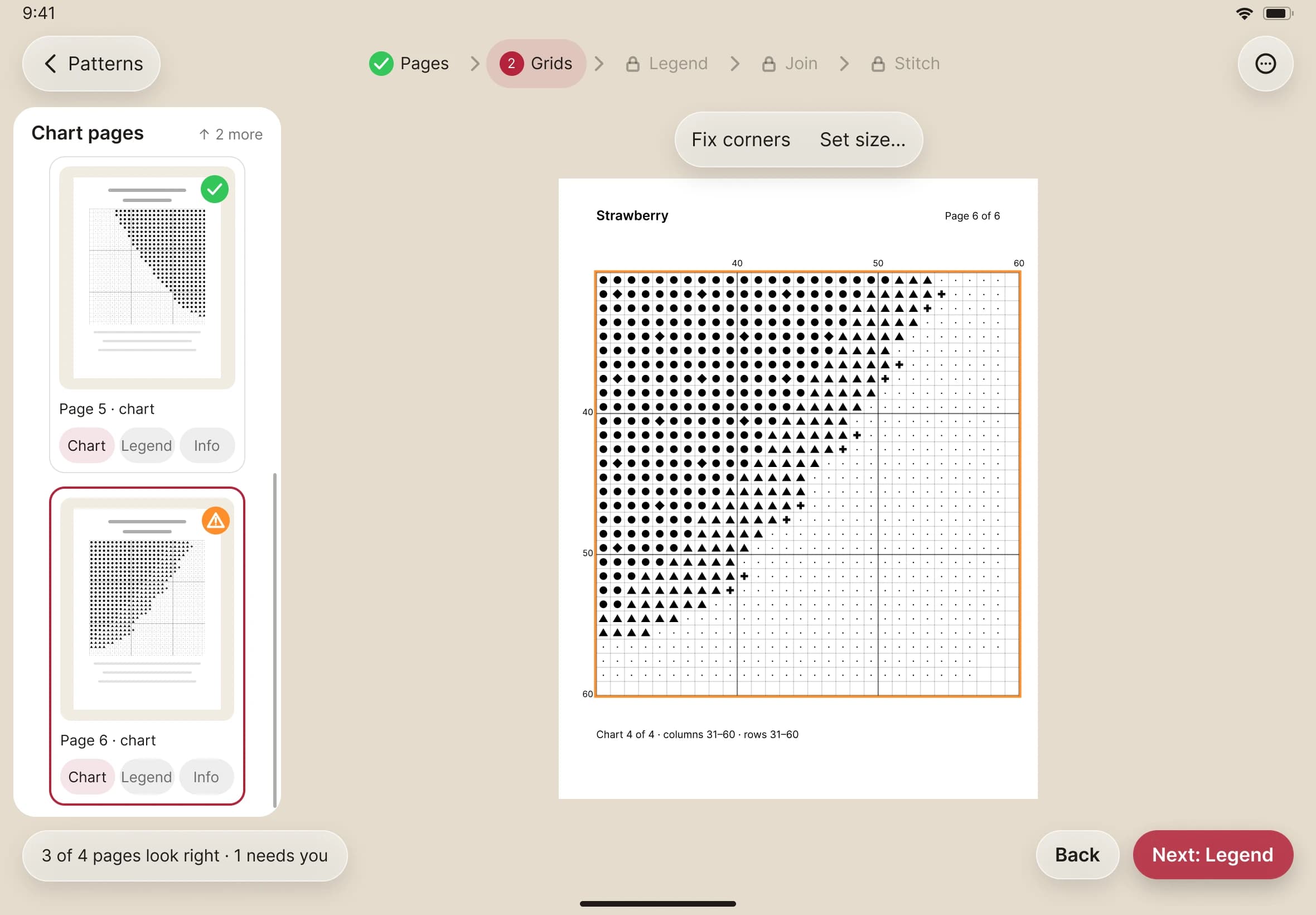
- Open a cross-stitch PDF, and Stitched Off picks out the chart, legend and cover pages.
- The grid is found from the page's own drawing, not guessed from a picture.
- Five guided steps — Pages, Grids, Legend, Join, Stitch — show what was read, and nothing goes ahead until you say so.
- Fix a grid by tapping its four corners or stating its size, and fix any legend row by hand.
- Image-only, password-protected and very large PDFs are spotted before they open, with a plain explanation.
Stitching
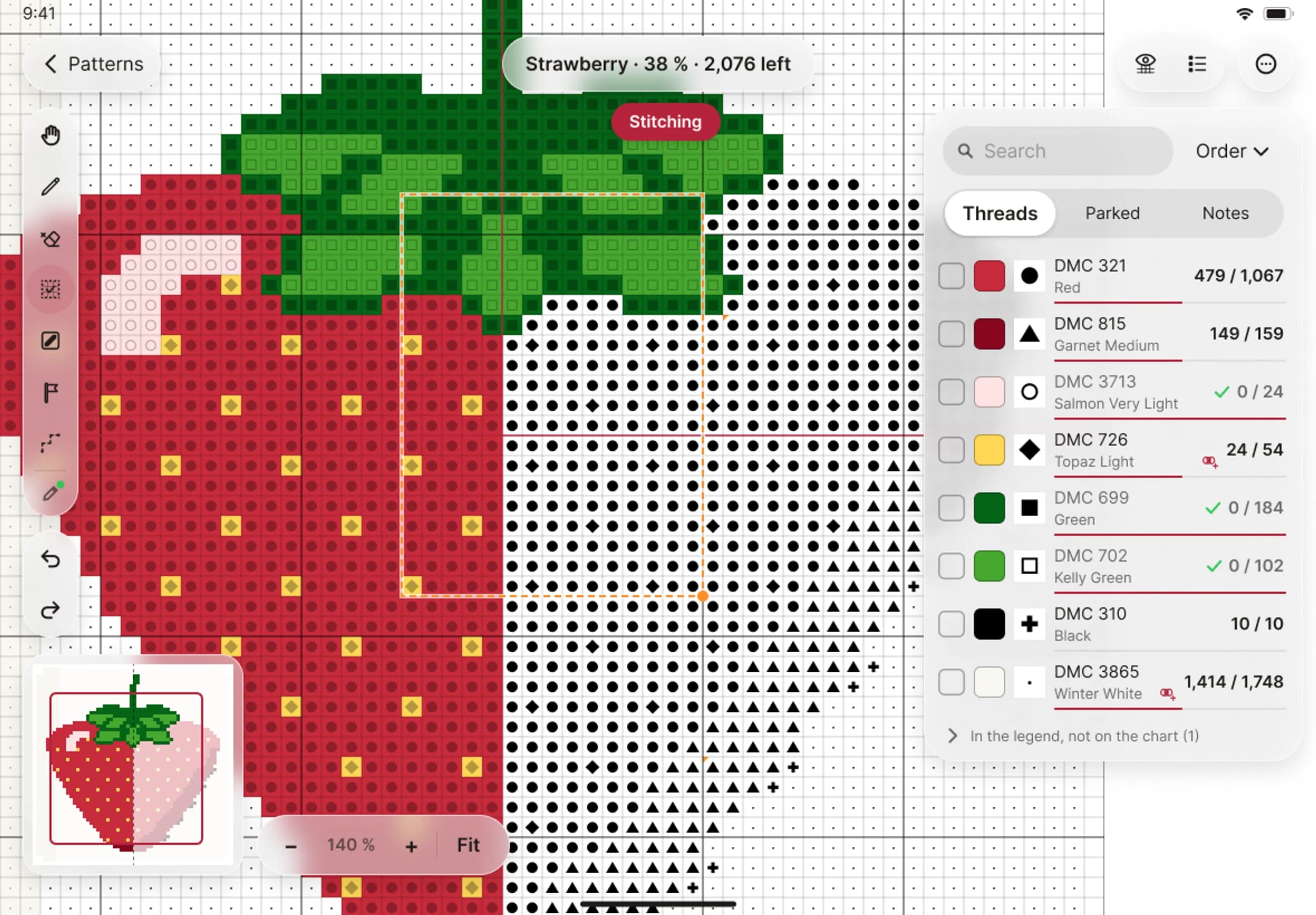
- Tap a square to mark it, or drag across a run — even across page breaks.
- Mark a whole area at once: a 10×10 block, a box or a lasso around any shape — and erase the same way. One gesture is one undo.
- Pick the stitch kind from one menu: full, half, quarter, three-quarter, petite and beads.
- Half, quarter, three-quarter and petite stitches, drawn in their real shapes.
- Erase is a tool of its own, and you can undo or redo anything.
- Show only the threads you're working on, and jump to the next unstitched square.
- A minimap shows the whole design in its thread colours, so you always know where you are.
- Mark with Apple Pencil or your finger.
Backstitch, knots and beads
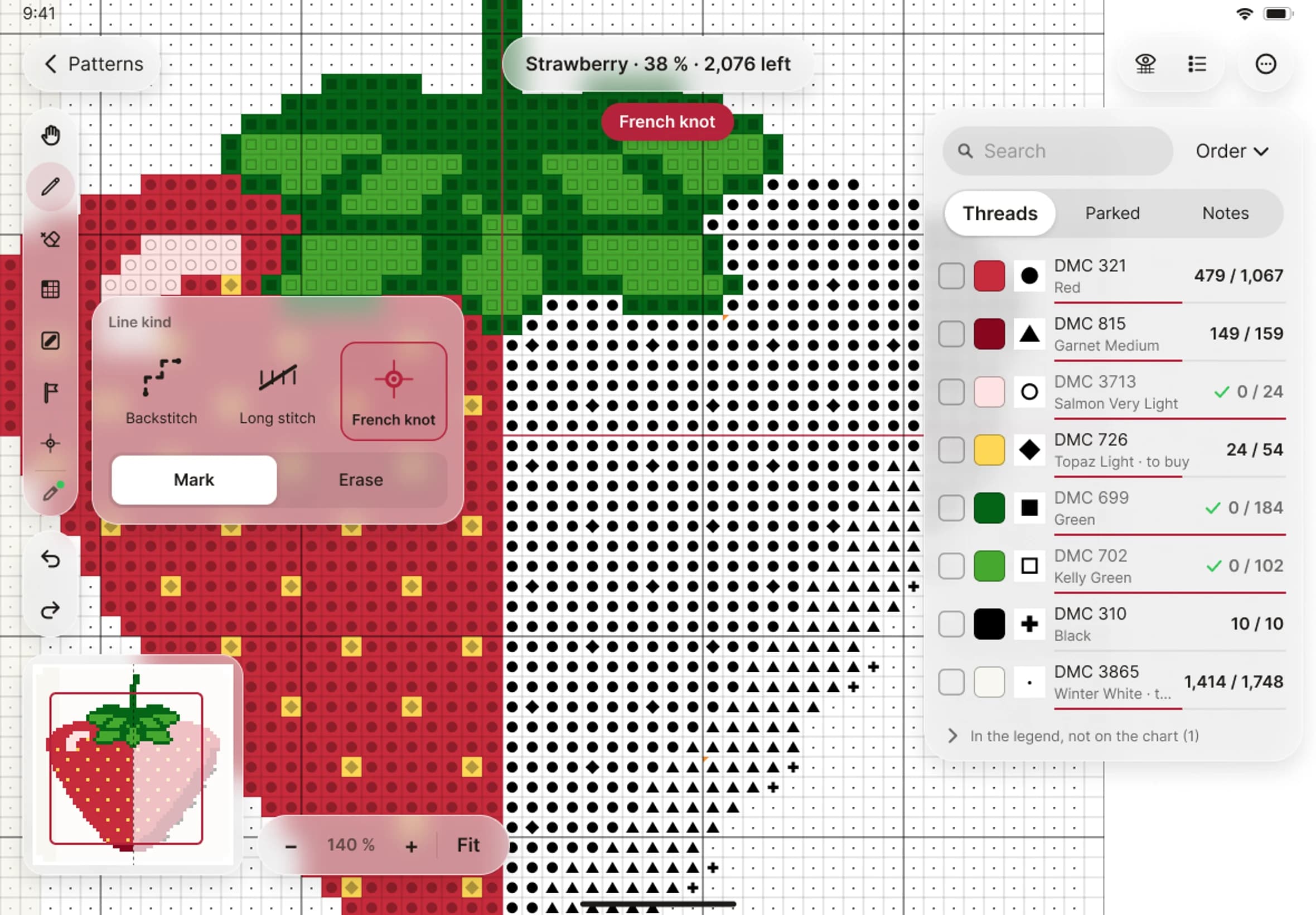
- Backstitch and long stitches are read from the lines printed on your chart — trace one to mark it.
- Draw your own backstitch where the chart has none.
- French knots and beads are read from the chart's dots and marked like any stitch.
- Backstitch, long stitches, French knots and beads all count towards your progress, so 100 % means the whole design is finished.
Parking
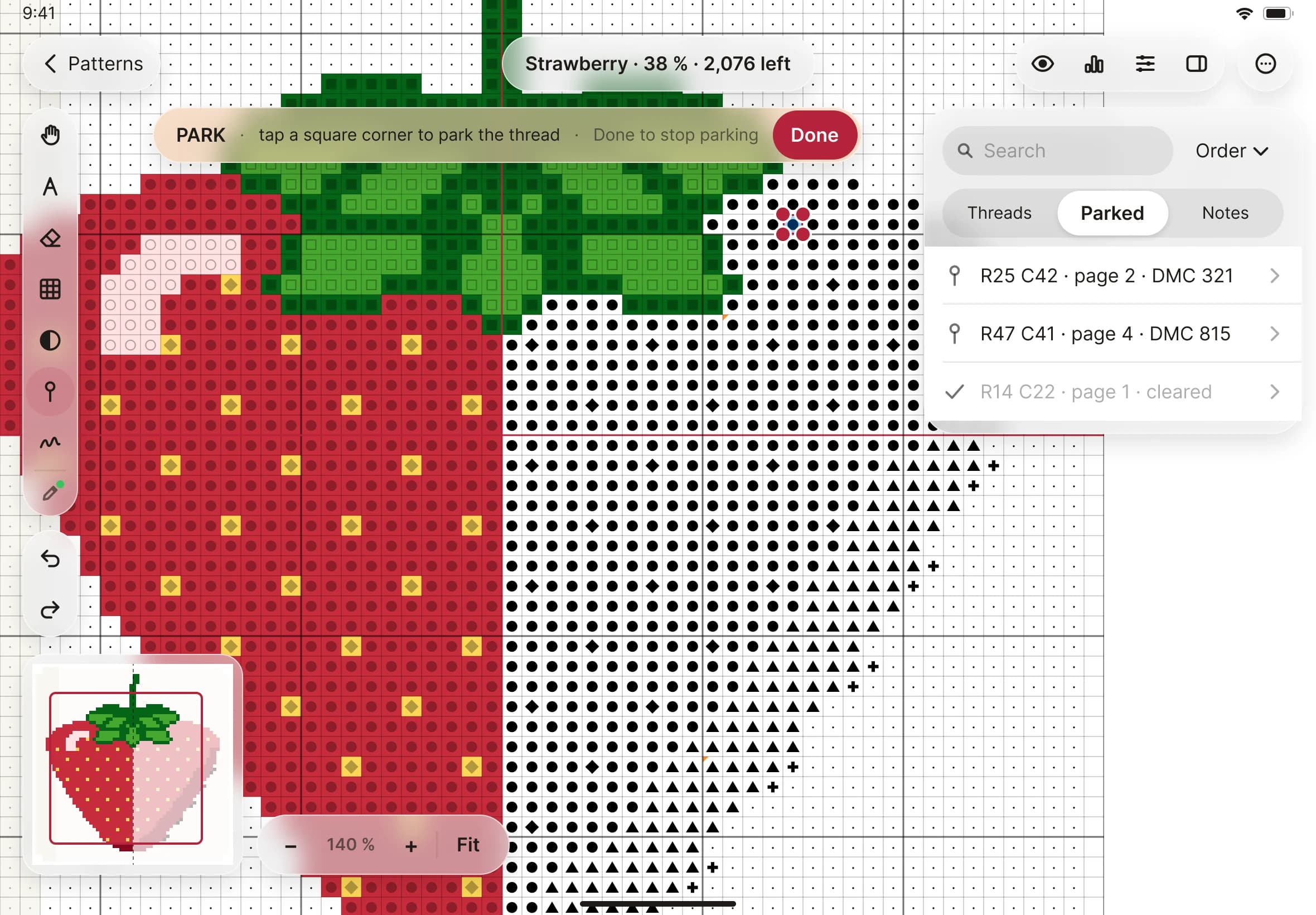
- Park a thread at the corner of a square, the way you would on the fabric.
- See every parked thread in one list, with its page, and jump straight to it.
Threads
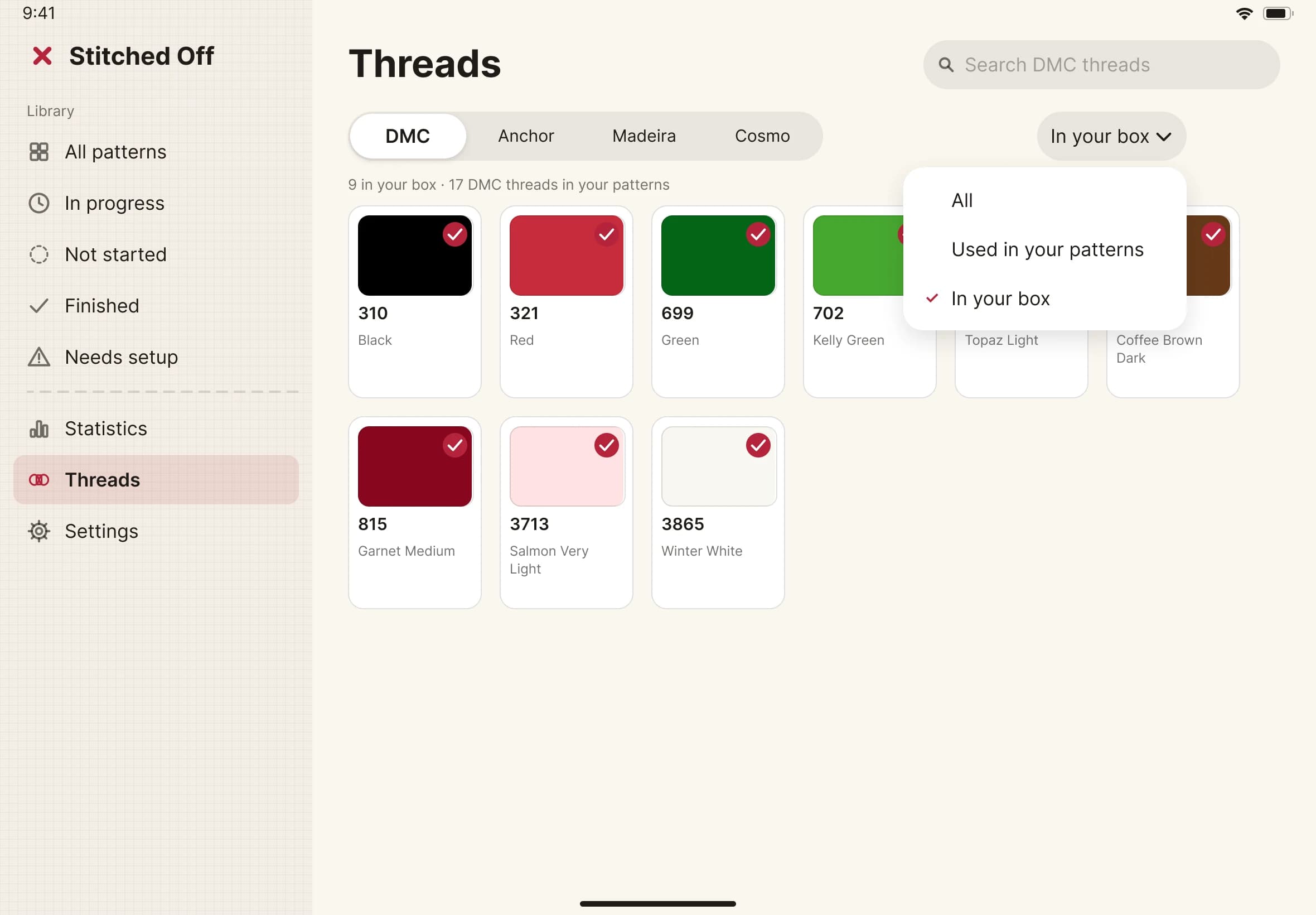
- DMC, Anchor and Madeira shade cards built in.
- Show any chart's threads as another brand's nearest match.
- Tick the threads you own and filter to what's in your box.
- A shopping list of the threads a pattern needs that you don't have, ready to copy or share.
- Search your library by pattern, designer, notes, or a thread's code or name.
- A realistic preview shows the chart in its thread colours.
- Change a thread's colour, or pick your own for a hand-dyed thread.
- Keep notes with each pattern.
Progress
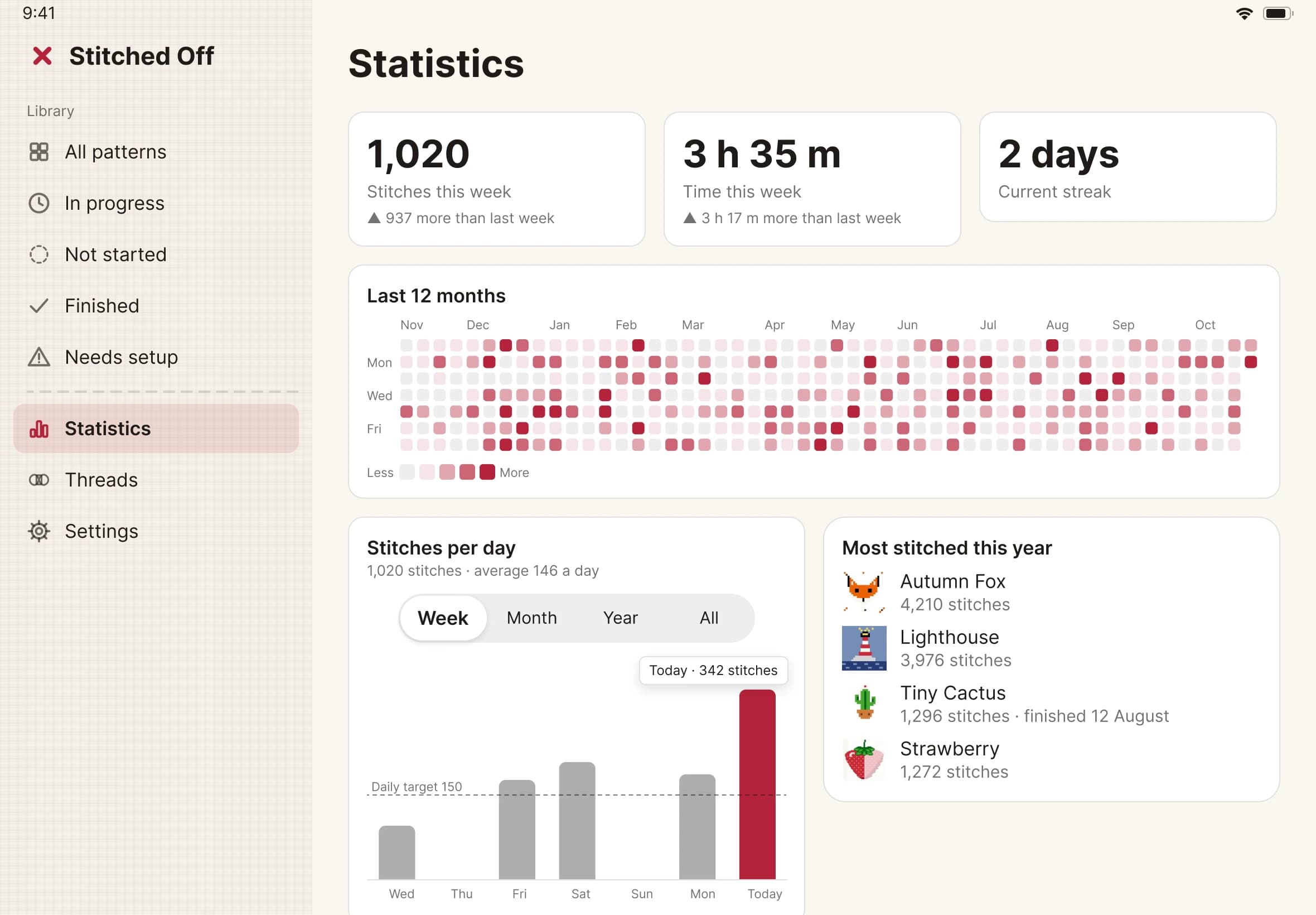
- Statistics for each pattern and all your stitching: a 12-month heatmap, stitches per day, streaks and sessions.
- Set a finish-by date and see the pace you need against the pace you keep.
- A month calendar of your stitching: tap a day for its stitches, minutes and threads.
- A history of every session: how long, how many stitches, and where on the chart.
- Set a daily stitch target, and get a small celebration when you reach it.
Settings and accessibility
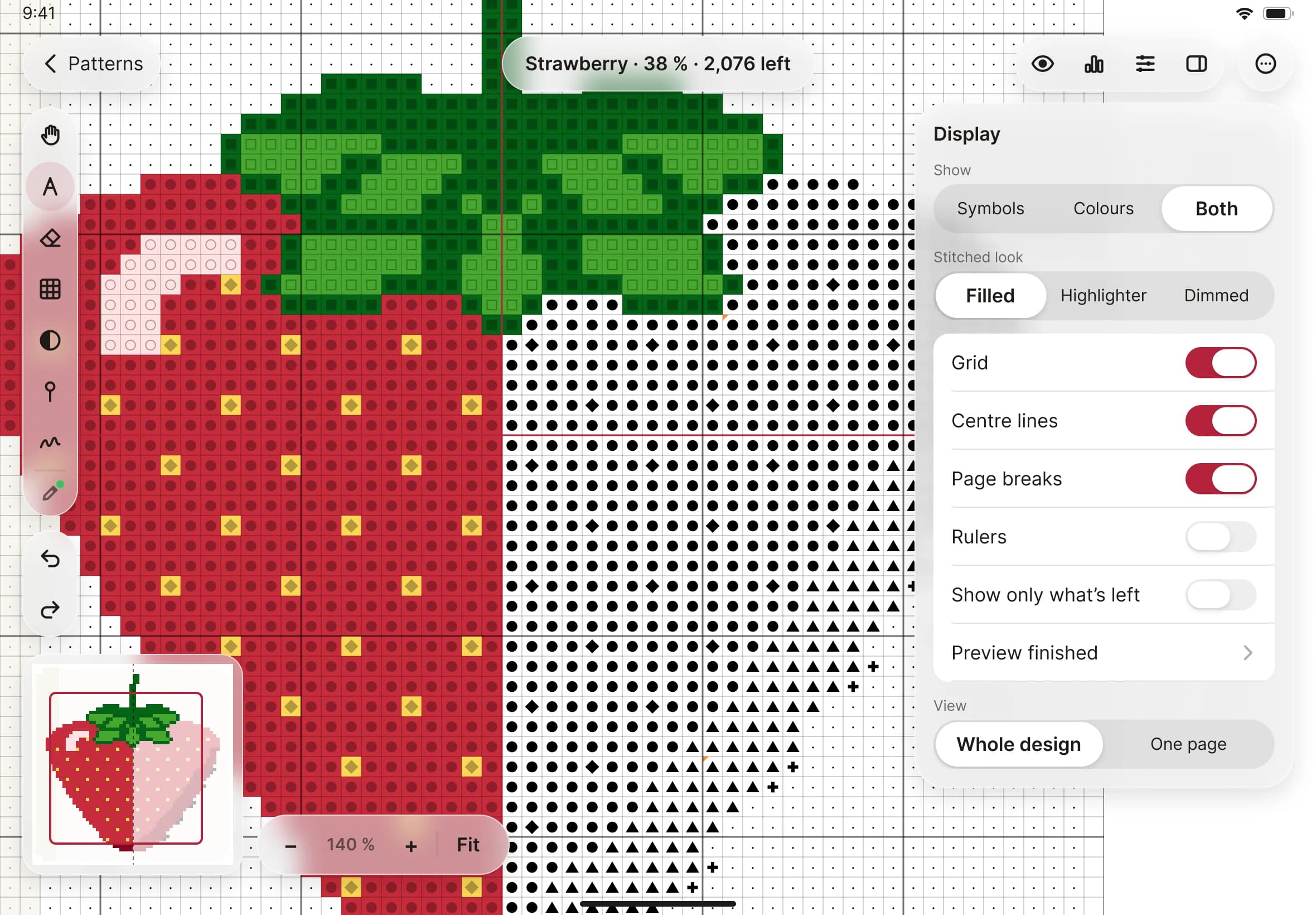
- Choose how the chart looks: grid lines, centre lines, page breaks, rulers and guides.
- Choose how stitched squares are shown, and the colour of every mark.
- Colour-blind-safe palettes for deuteranopia, protanopia and tritanopia.
Make it yours
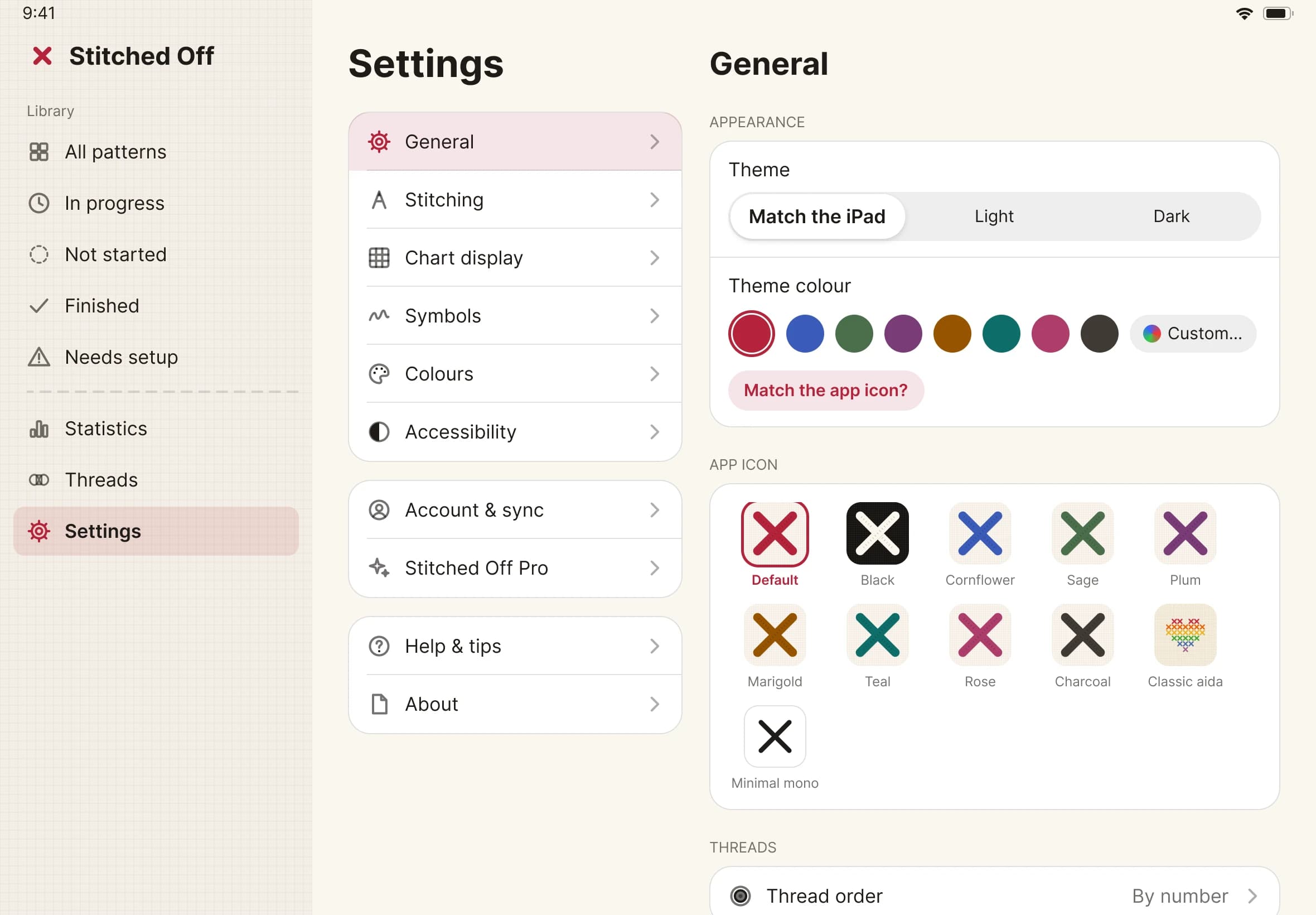
- Light, Dark or Match the iPad.
- Eight theme colours, or pick your own.
- Eleven app icons, and the app offers to match yours to your theme colour.
- A library you can sort by In progress, Not started, Finished and Needs setup.
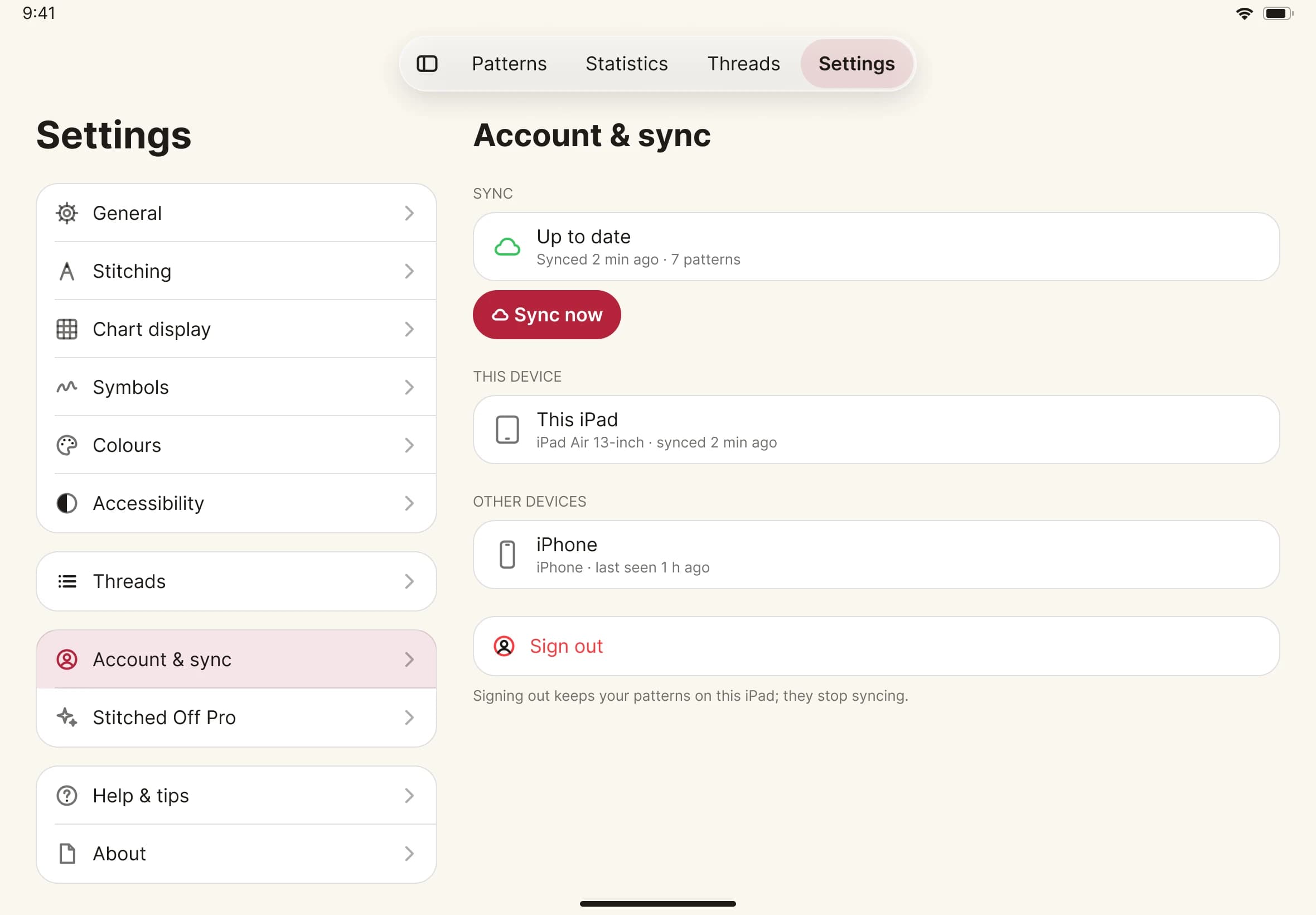
Sync and backup
- Your patterns, their PDFs and your progress sync between your devices, privately to your Stitched Off account.
- Back up any pattern as a single file.
- The backup is plain, documented text, so your progress is never locked in.