
Keep track of the threads you own
Tick the threads in your box, and filter the shade card to them.
What you'll do: tell Stitched Off which threads you already own, so it can show you the ones you still need.
Steps
- Open Threads in the sidebar. The first time, a tip reads "Tick a thread you own".
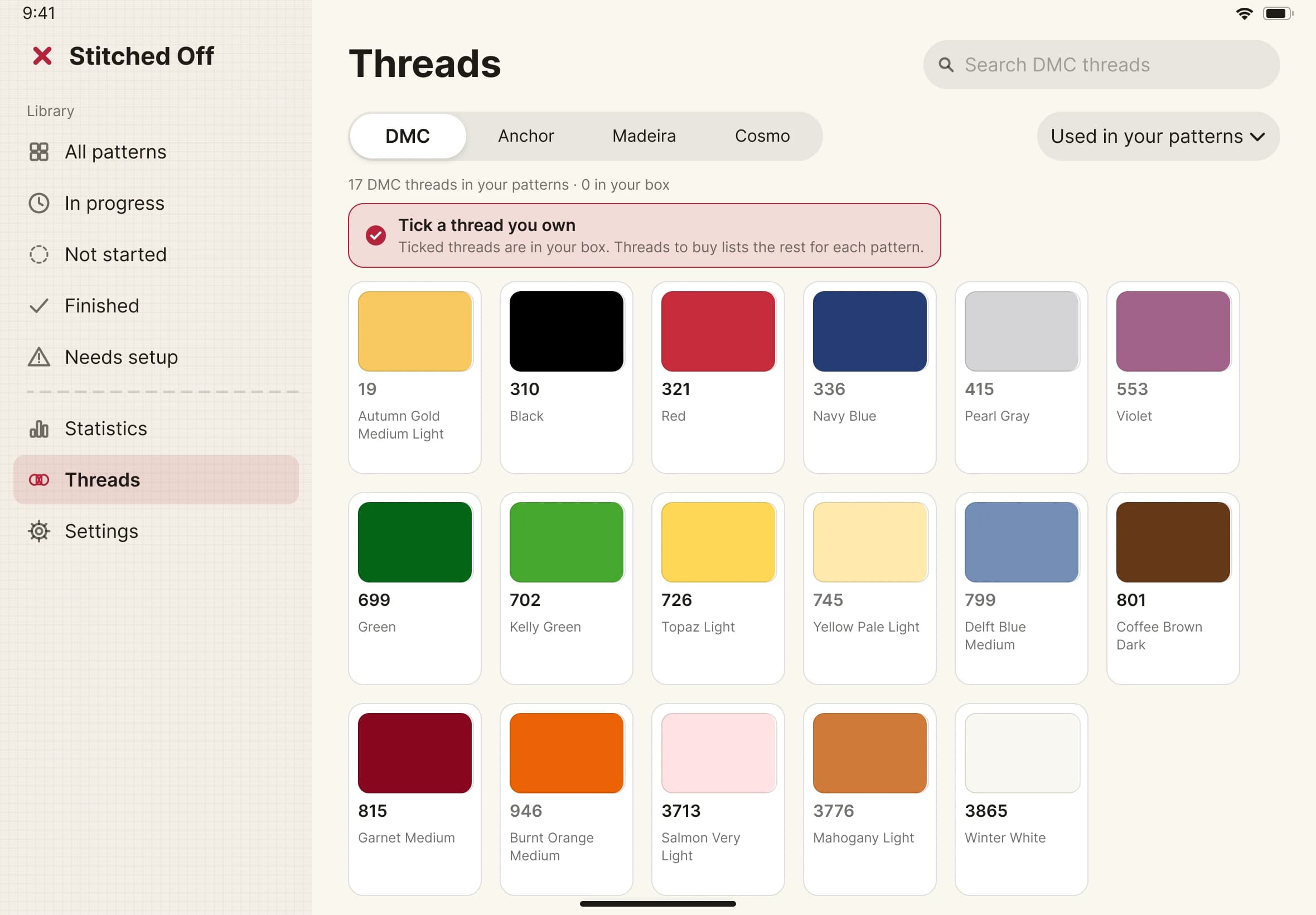
- Choose a brand with the tabs along the top: DMC, Anchor or Madeira. Your box is kept for each brand.
- Tap the tick on a thread's swatch for each one you own. Tap it again to take it out.
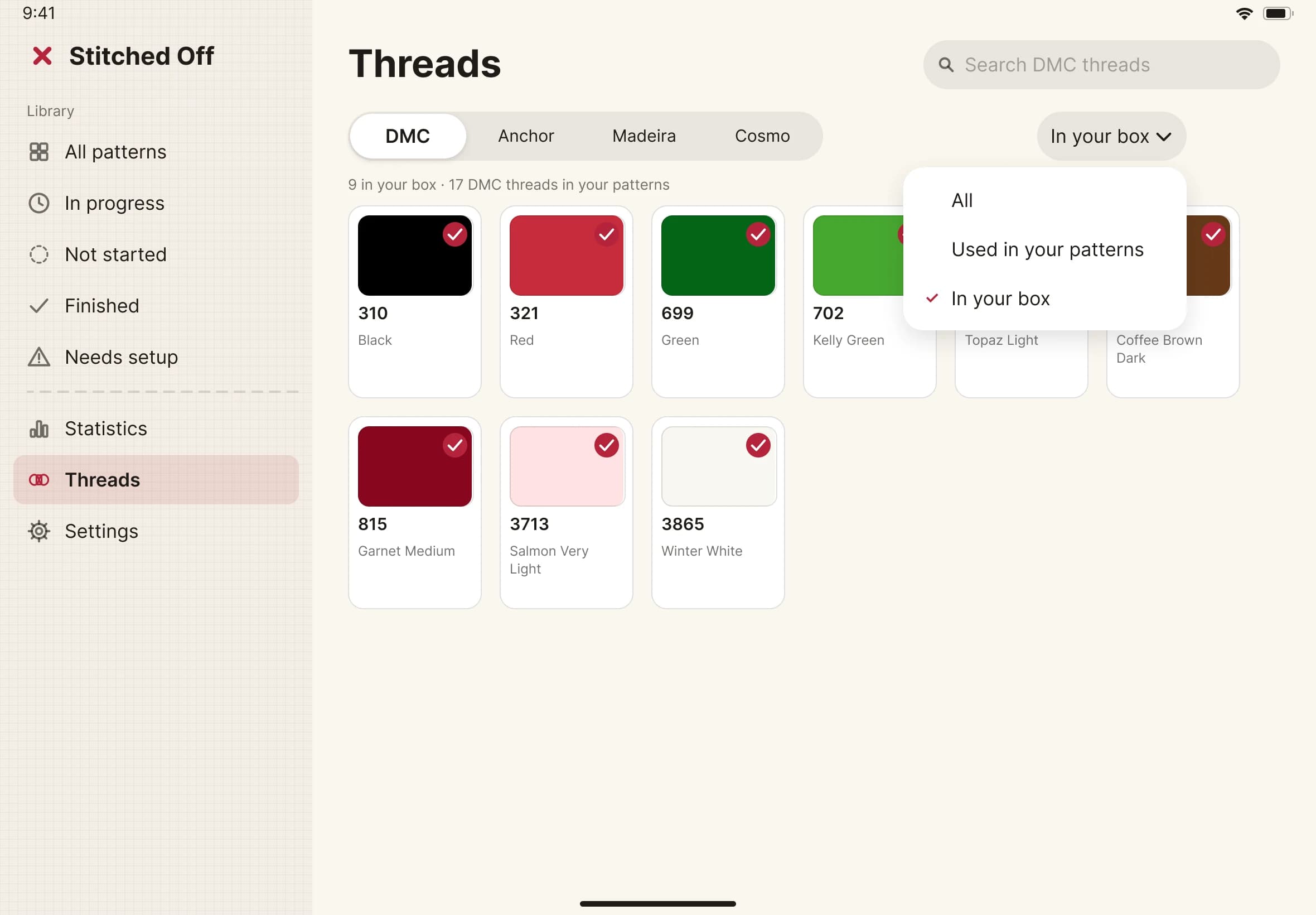
- Look under the title. It reads like "9 in your box · 17 DMC threads in your patterns".
- To see only your box, open the menu at the top right and choose In your box. Used in your patterns shows the threads your charts need, and All shows the lot.
- Open a pattern. In the thread list, a thread that is not in your box is marked "to buy".