
Back up a pattern
Save a pattern's progress as one file and open it again.
What you'll do: save one pattern's progress as a file you can keep, and open it again later.
Steps
- Open the pattern library.
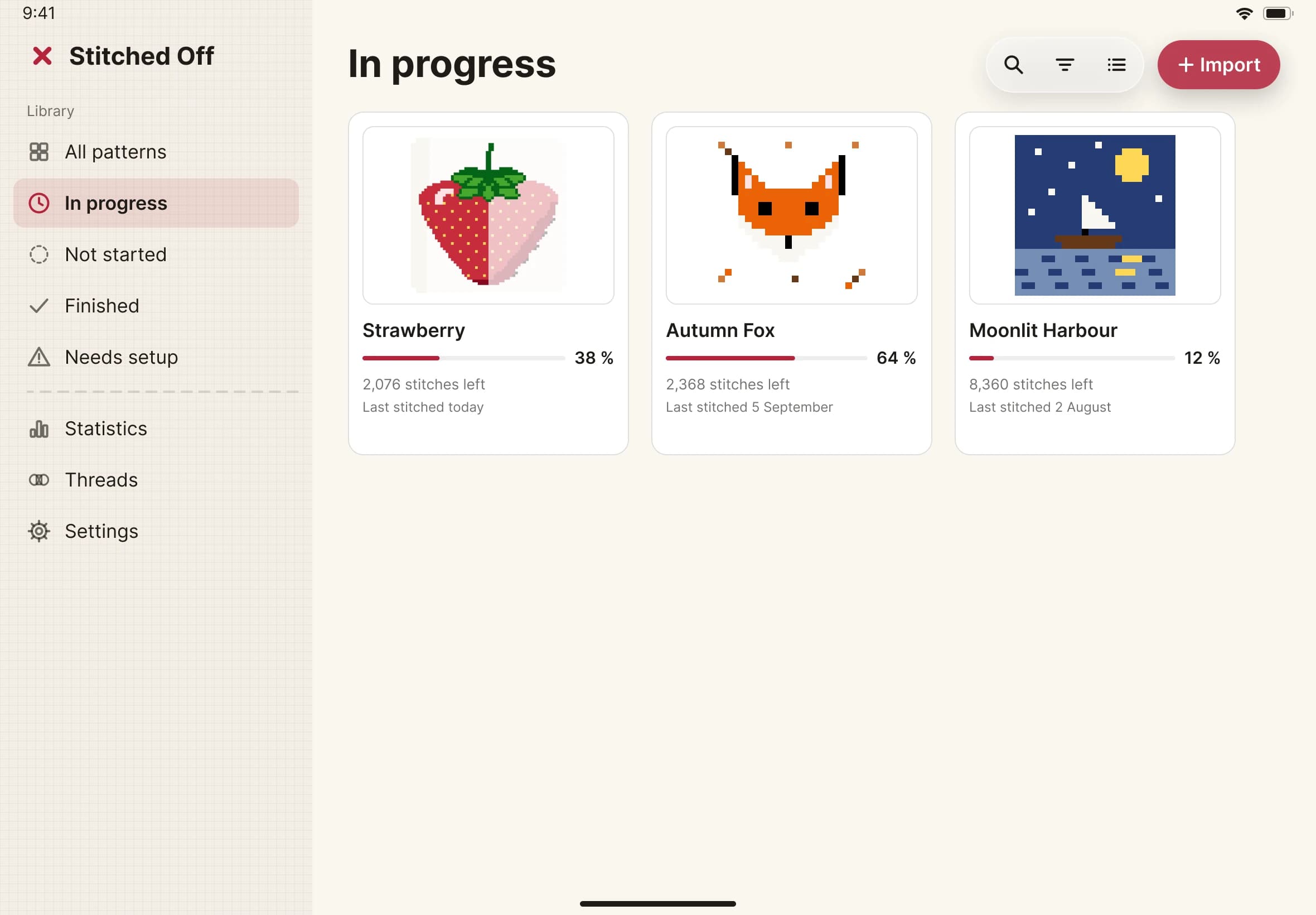
- Open the pattern's menu and choose Export.
- Choose where to save the file. It ends in .stitchproject and is named after your pattern.
- To open it again, open the .stitchproject file from Files. Stitched Off reads it and restores your progress, notes and colours.
- If the pattern is already in your library, Stitched Off asks whether to replace your progress with the file's. Choose Replace only if the file is the one you want.