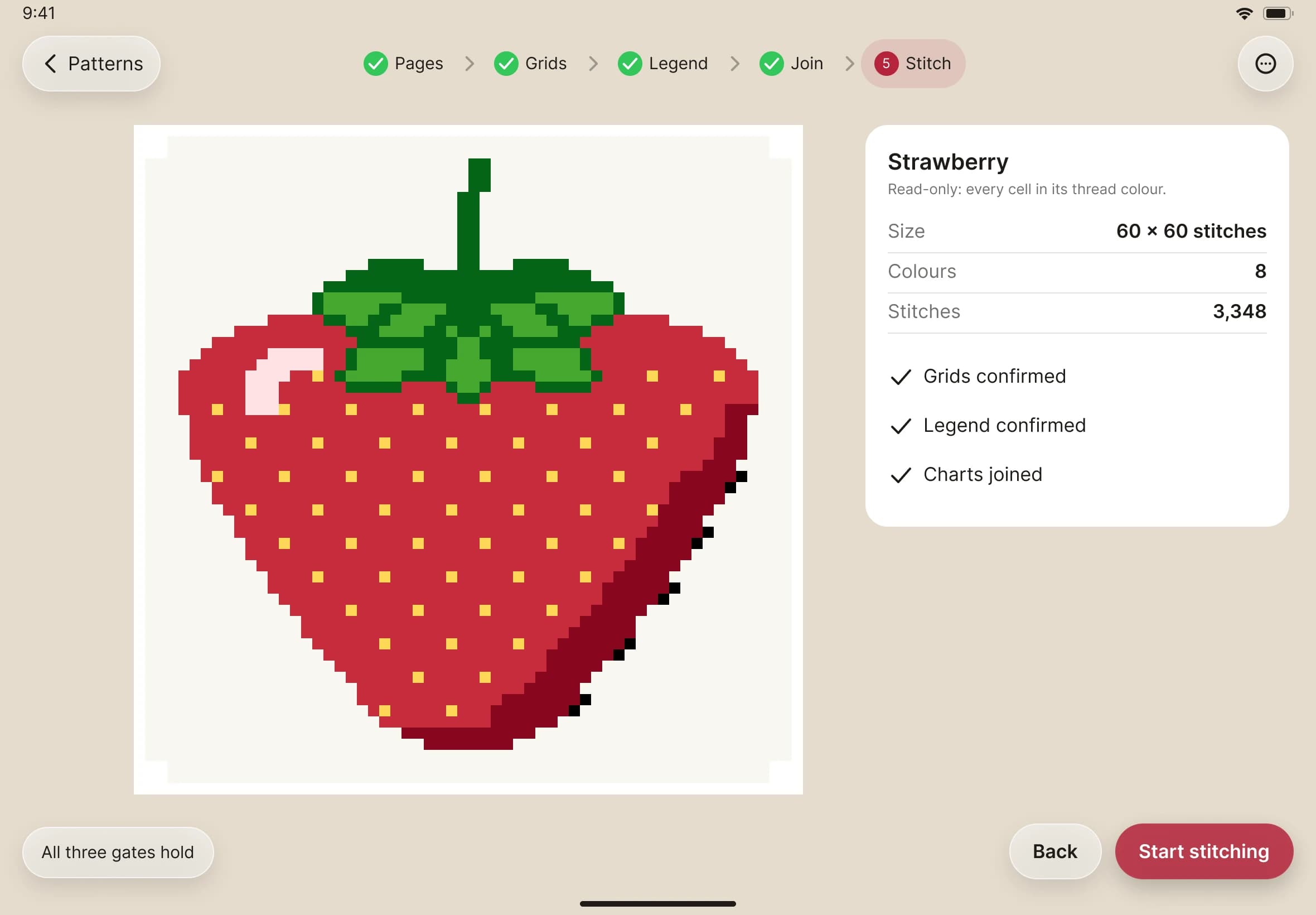
The five setup steps
How Pages, Grids, Legend, Join and Stitch check what Stitched Off read.
What you'll do: check what Stitched Off read from your PDF, one step at a time, then start stitching.
Before you start
Import a pattern first. Setup opens by itself when the reading finishes.
Steps
The step bar across the top shows where you are. A tick means that step is done. Next is the only way forward, so nothing is confirmed until you have looked and pressed it. You can go back to an earlier step whenever you like.
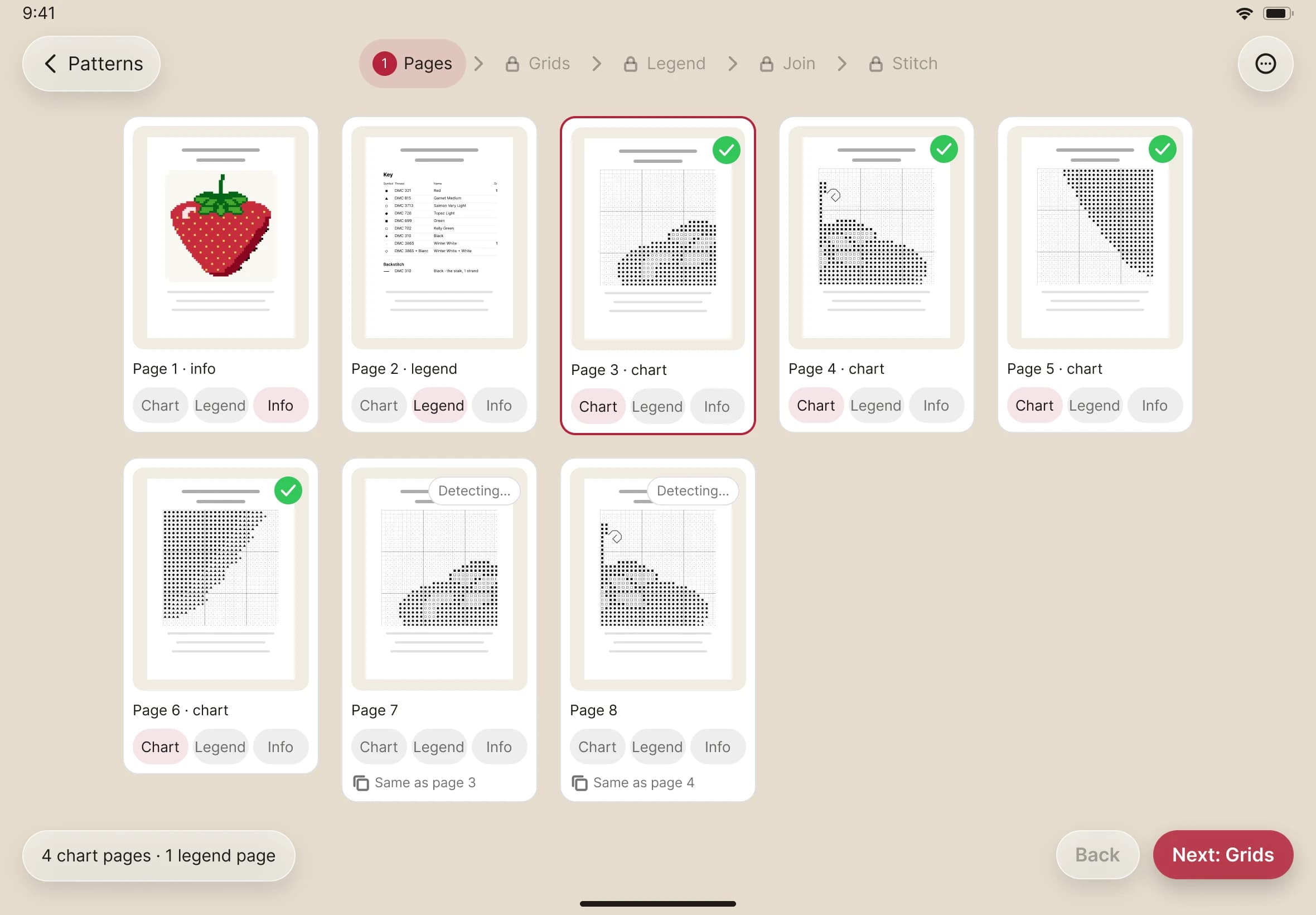
- Pages. Every page of your PDF appears as a card. Tick Chart on the pages that hold the chart, Legend on the key, and Info on the rest. Nothing is ticked at first, so you choose. Ticking a chart page makes Stitched Off start reading its grid at once.
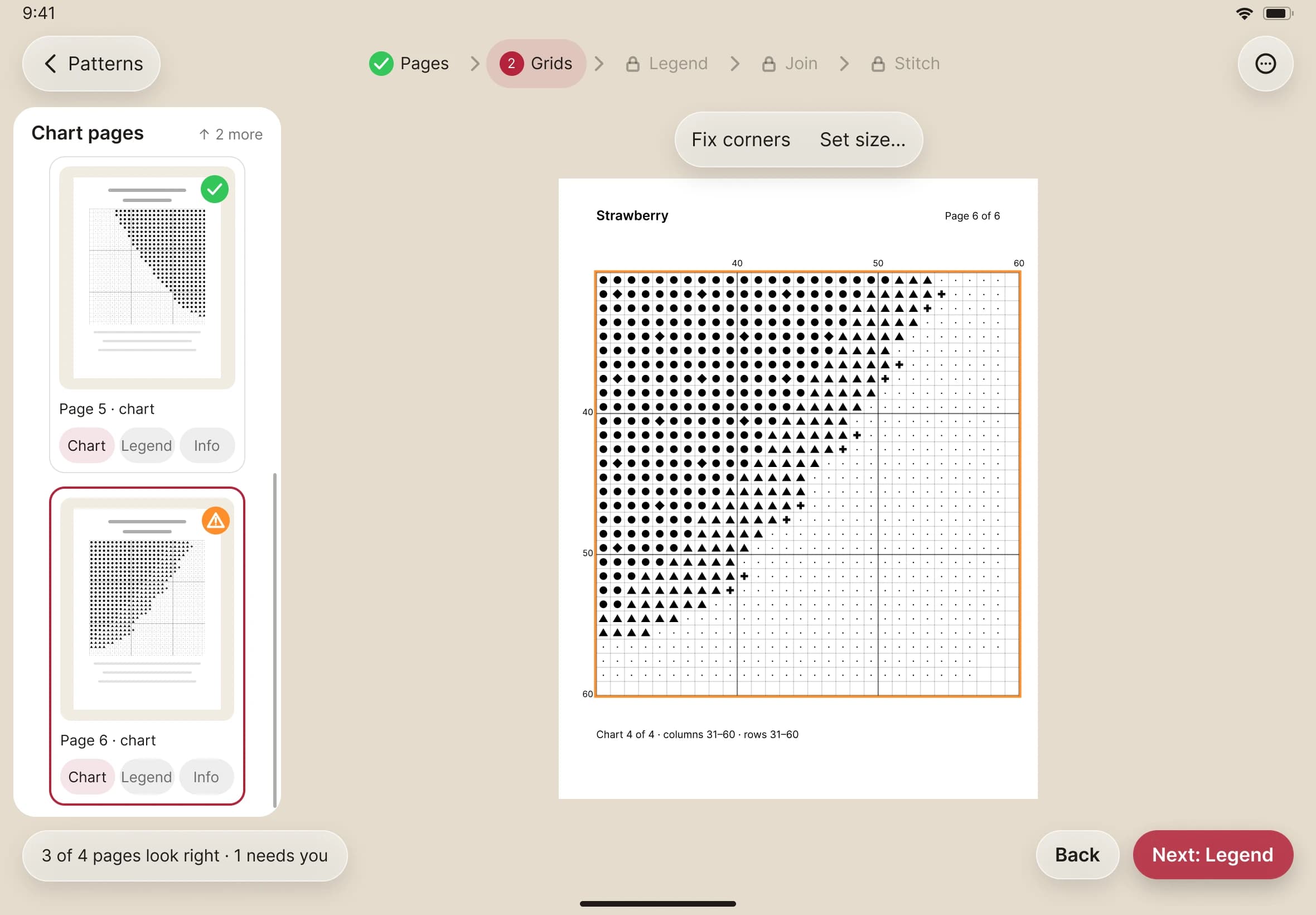
- Grids. Stitched Off finds the grid of squares on each chart page. A page it is unsure about carries a warning badge. See Fix a grid if one needs help.
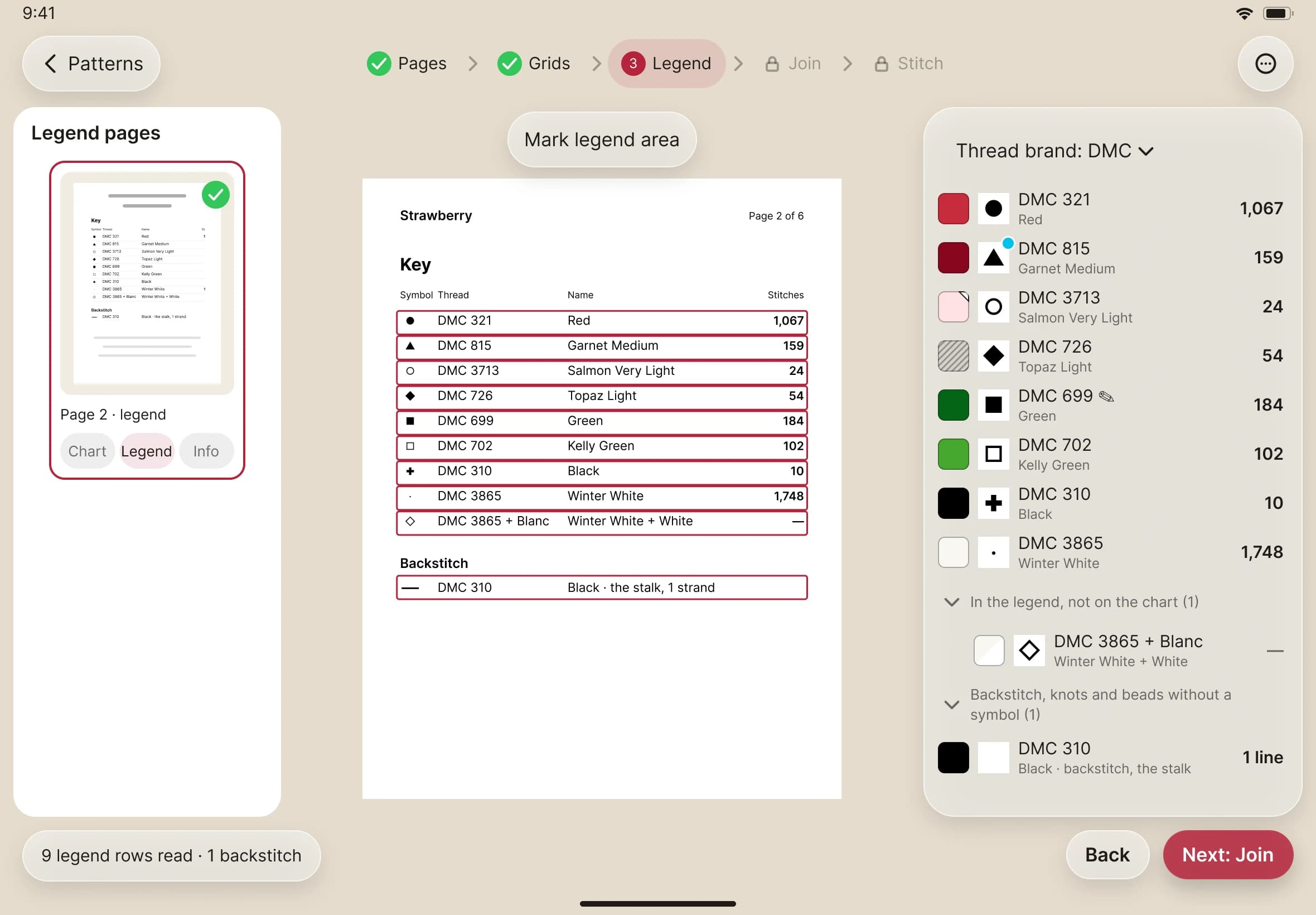
- Legend. The key page sits beside the threads read from it, each with its colour, symbol and name. Check the codes. See Fix the legend to correct one.
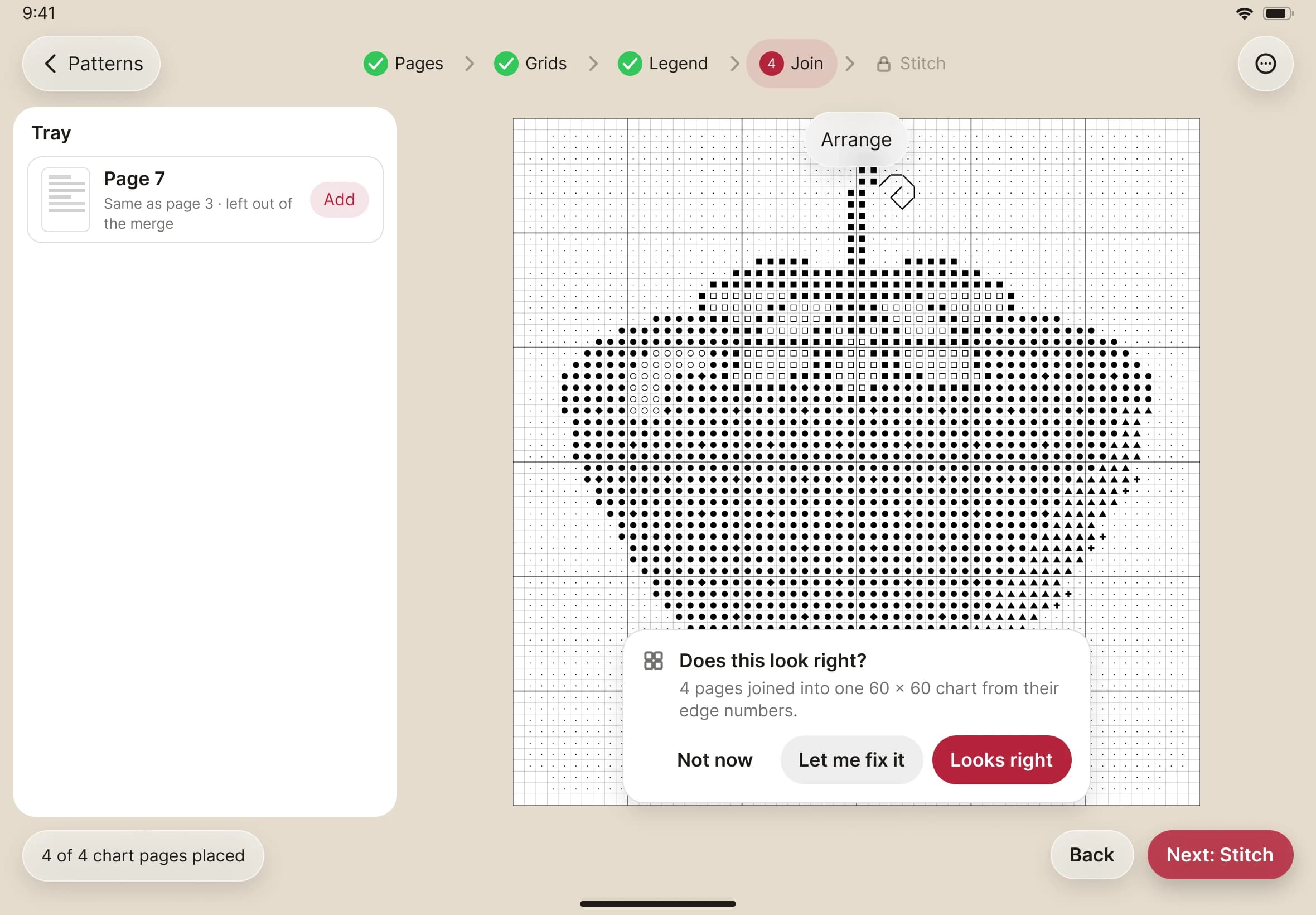
- Join. This step appears only when your chart runs over two or more pages. Stitched Off joins the pages into one whole chart from their edge numbers. Tell it whether the join looks right.
- Stitch. You see the finished design in its thread colours, with its size and stitch count. Tap Start stitching.