
French knots and beads
Mark knots and beads read from the chart's dots.
What you'll do: mark French knots and beads as you stitch them, and see how many are left.
Before you start
Stitched Off reads knots and beads from your chart and its legend. Open a pattern whose setup is finished.
Steps
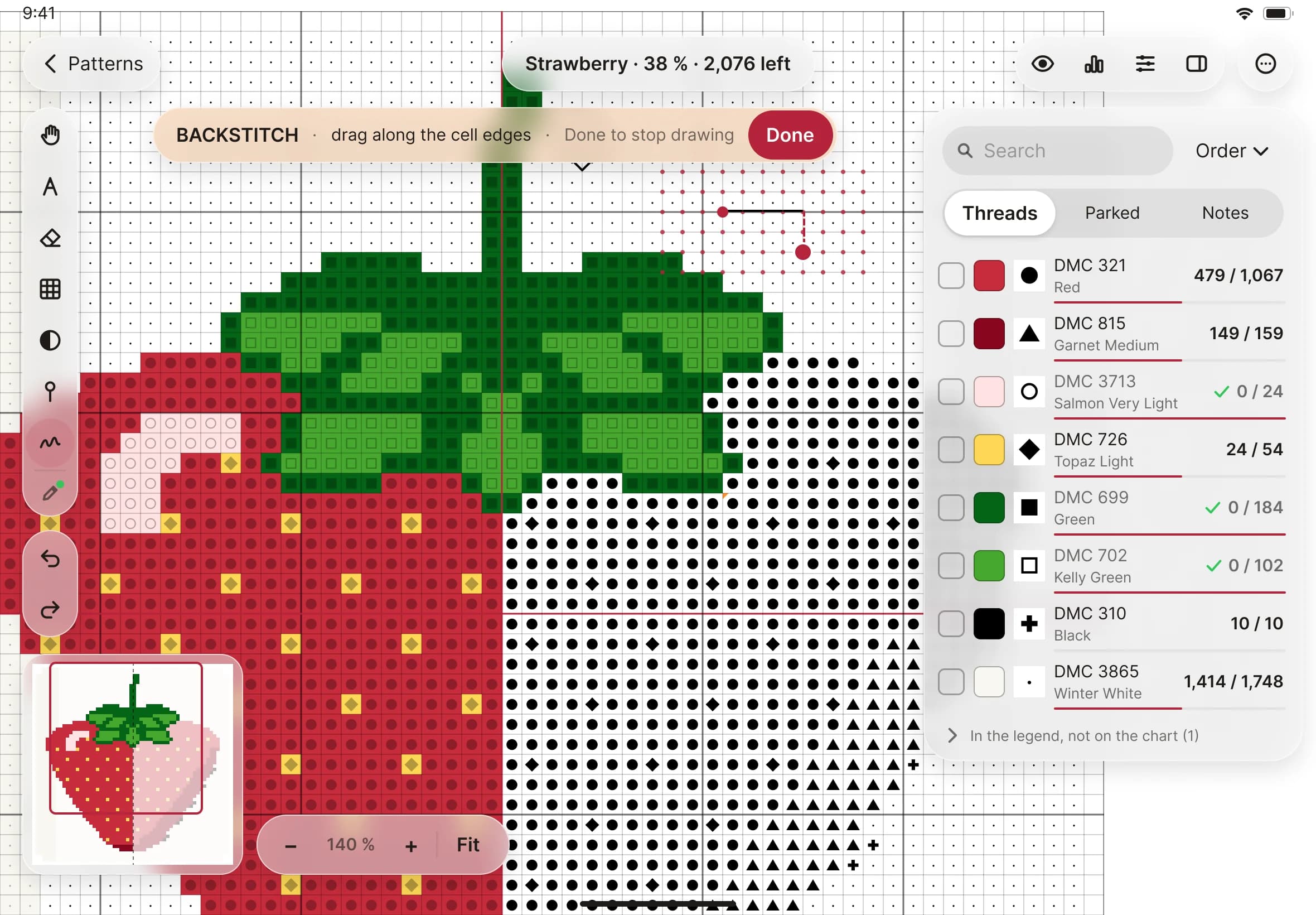
- For a French knot, tap the Backstitch tool in the stitching toolbar, then tap it again to open the line kind picker, and choose French knot.
- Tap the point where the knot sits. A read knot is marked as stitched. If you tap a point with no knot, Stitched Off adds one there. To take a knot out, tap Erase lines and tap it.
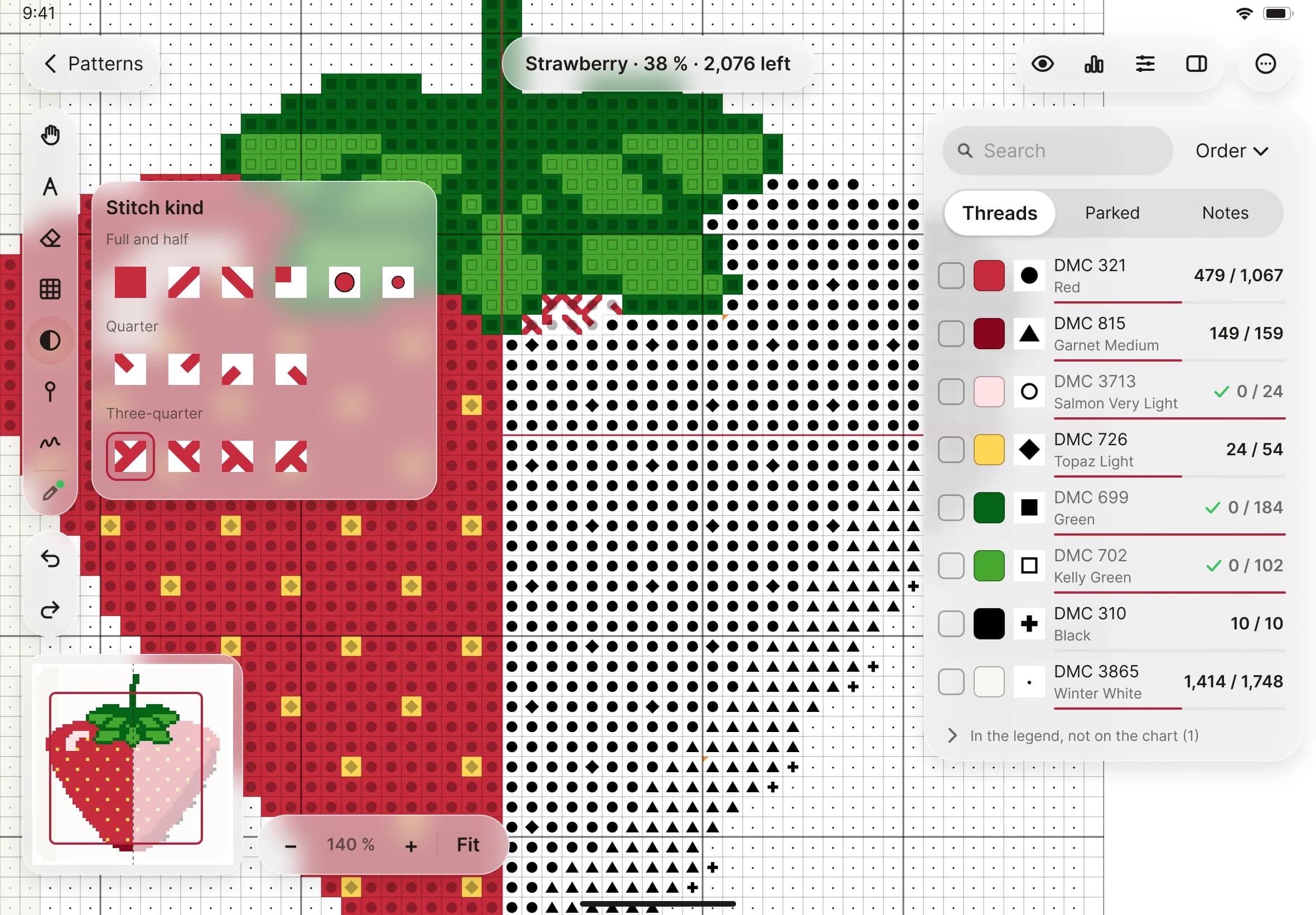
- For a bead, stay with the Mark tool. Open the stitch kind picker, choose Bead, then tap the square. Beads sit in squares, like cross stitches.
- Look at the progress line beside the pattern's name. Backstitch, knots and beads each show as "done / total", and only when your chart has some. The thread list shows the same counts for each row.