Pattern notes
Keep notes with a pattern.
What you'll do: write down reminders about a pattern, such as the fabric you chose or a change you made.
Steps
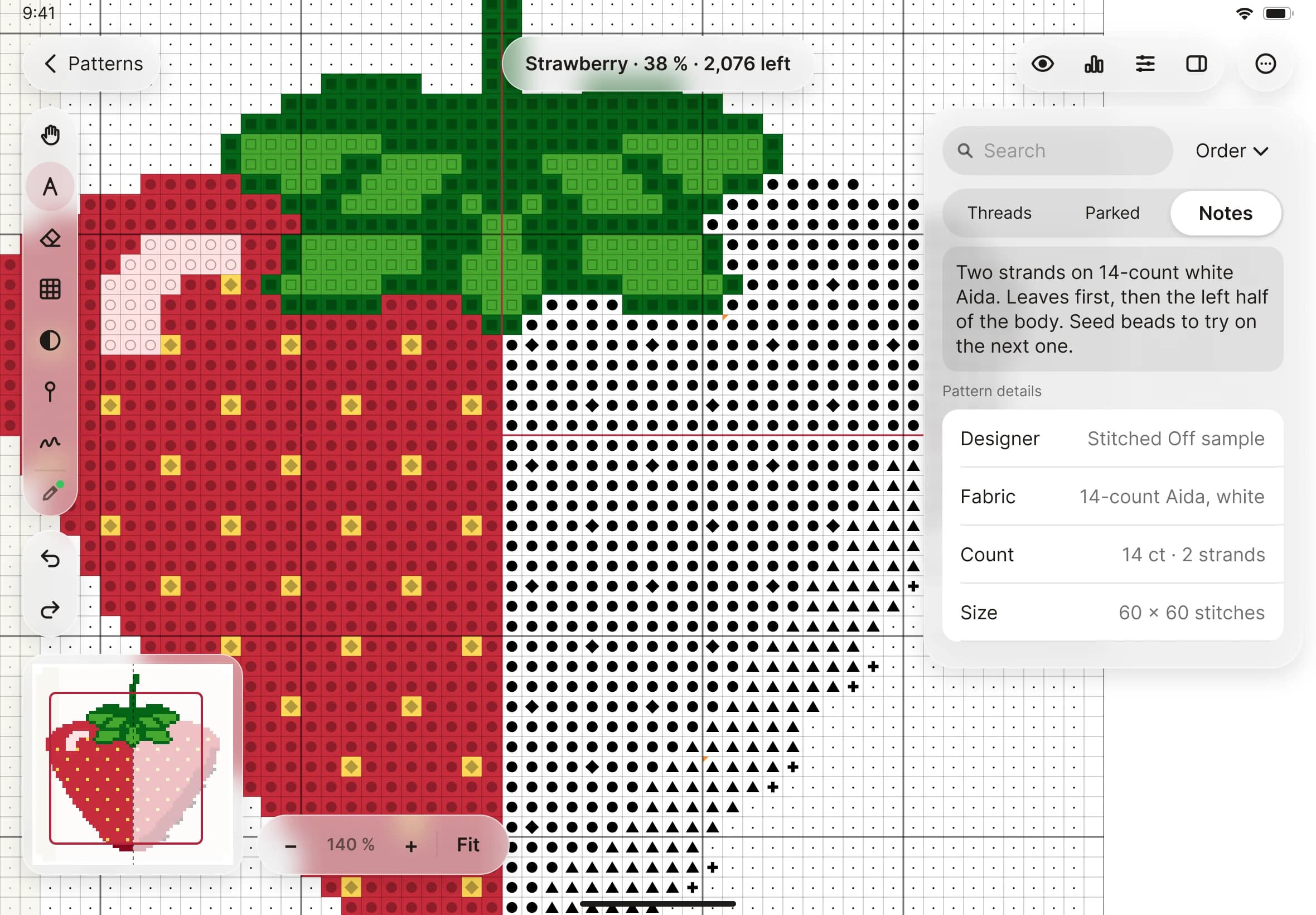
- Open a pattern on the stitching screen. The side panel has three tabs: Threads, Parked and Notes.
- Tap Notes.
- Above your own notes you see the pattern's details: designer, fabric, count and size, where they are known.
- Tap in the notes box and type. There is no Save button. Stitched Off saves a moment after you stop typing, and again when you leave the screen or the pattern.