
Sync between devices
Keep your patterns and progress in step on every device.
What you'll do: sign in on each of your devices and have the same patterns and progress on all of them.
Before you start
You need Stitched Off Pro: sync is included with it. You sign in with Apple, with Google, or with your email address.
Steps
- Open Stitched Off and go to Settings, then Account & sync.
- Sign in with Apple, with Google, or with your email. With email, we send you a six-digit code to type in.
- Check the screen. It says your patterns are up to date and lists your devices with when each last synced.
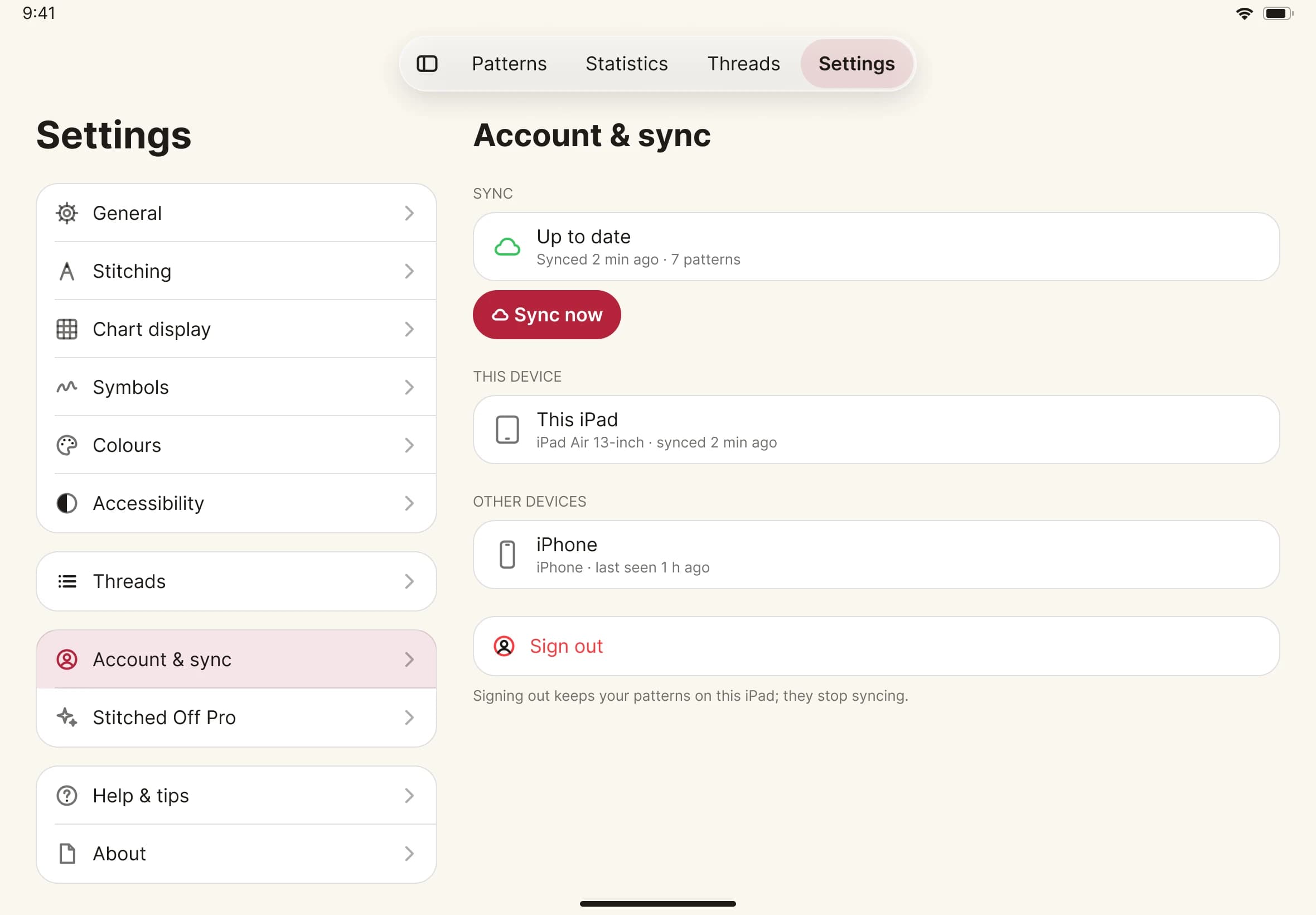
- On your other device, install Stitched Off, go to Account & sync and sign in with the same account. Your patterns and progress come across, and each PDF downloads when you open it, or straight away on Wi-Fi.
- Stitch on either device. The changes follow.