
Shade cards and other brands
Browse DMC, Anchor and Madeira, and show a chart in another brand.
What you'll do: browse the thread colours, and show a chart in a brand you prefer.
Steps
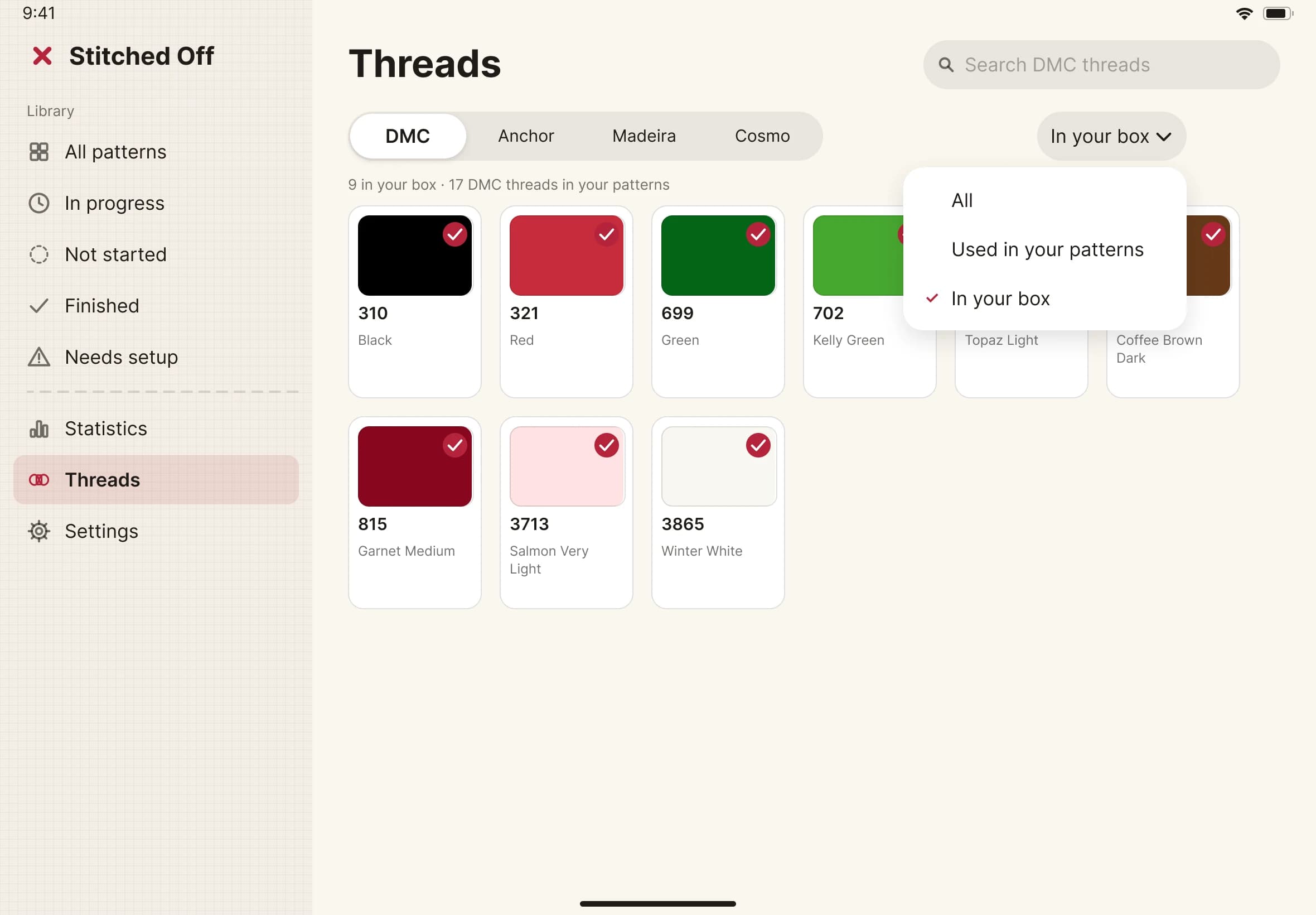
- Open Threads in the sidebar. You see a shade card: every thread with its number, name and colour.
- Choose a brand with the tabs: DMC, Anchor or Madeira. The list can be set to show only the threads your patterns use, or only the threads in your box.
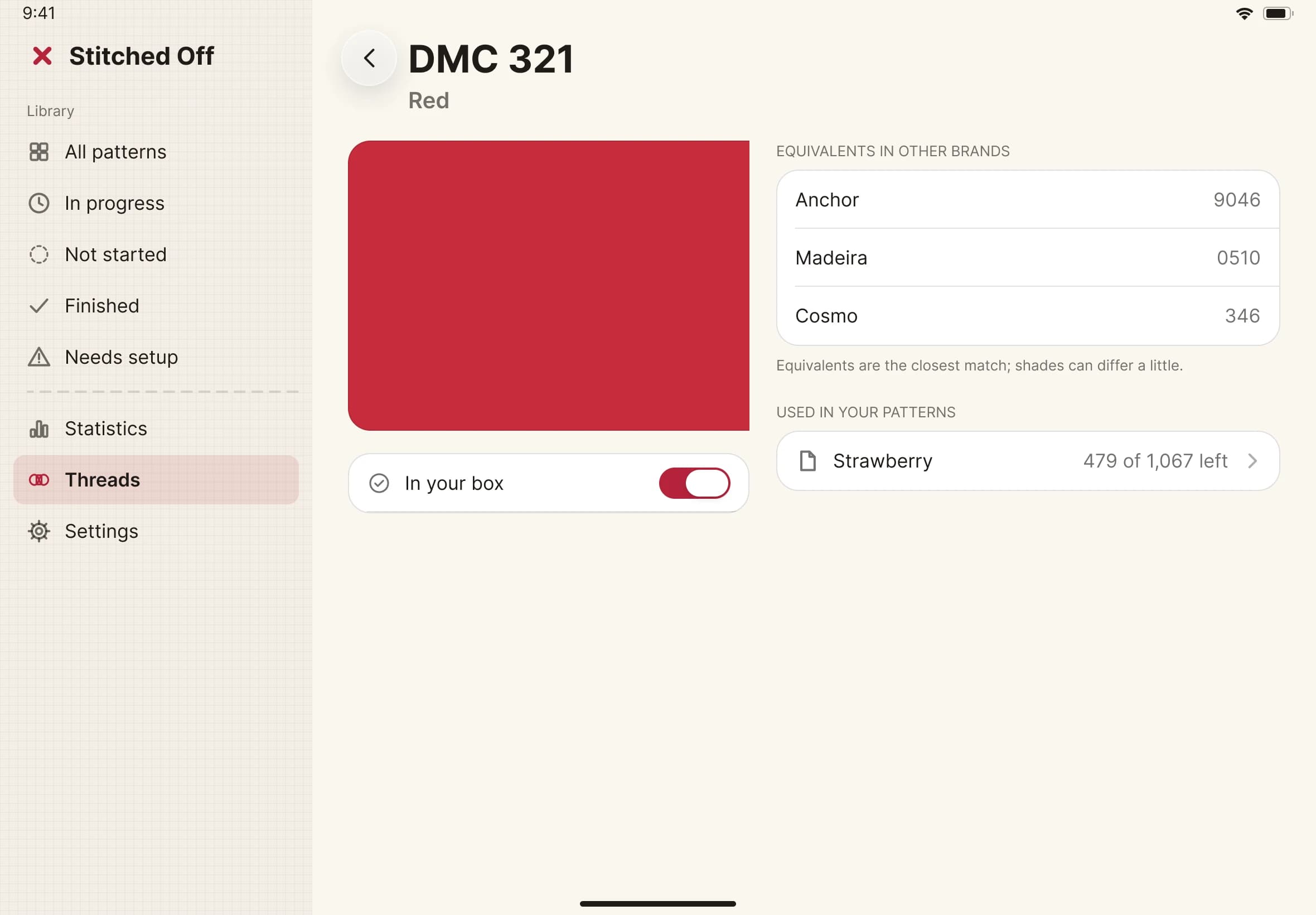
- Tap a thread to open its page. It shows a large swatch, the closest matches in other brands and the patterns that use it.
- To read one chart in another brand, open the chart and look for Show threads as in the thread list. Choose a brand. Every row now shows that brand's nearest thread.
- To see your chart as thread on fabric, change the chart view from Symbols or Colour to Realistic. Your stitched squares draw as thread and the rest stay pale.