
Mark a 10×10 block
Mark a whole block between the chart's tenth lines in one tap.
What you'll do: mark a whole square of the chart, between its heavier tenth lines, in one tap.
Before you start
Your chart's heavier lines fall every ten squares. A block is the 10×10 square between two of them.
Steps
- Choose the Area tool in the tool strip, then pick 10×10 and Mark.
- Tap any square inside the block you have finished. The whole block is outlined and marked.
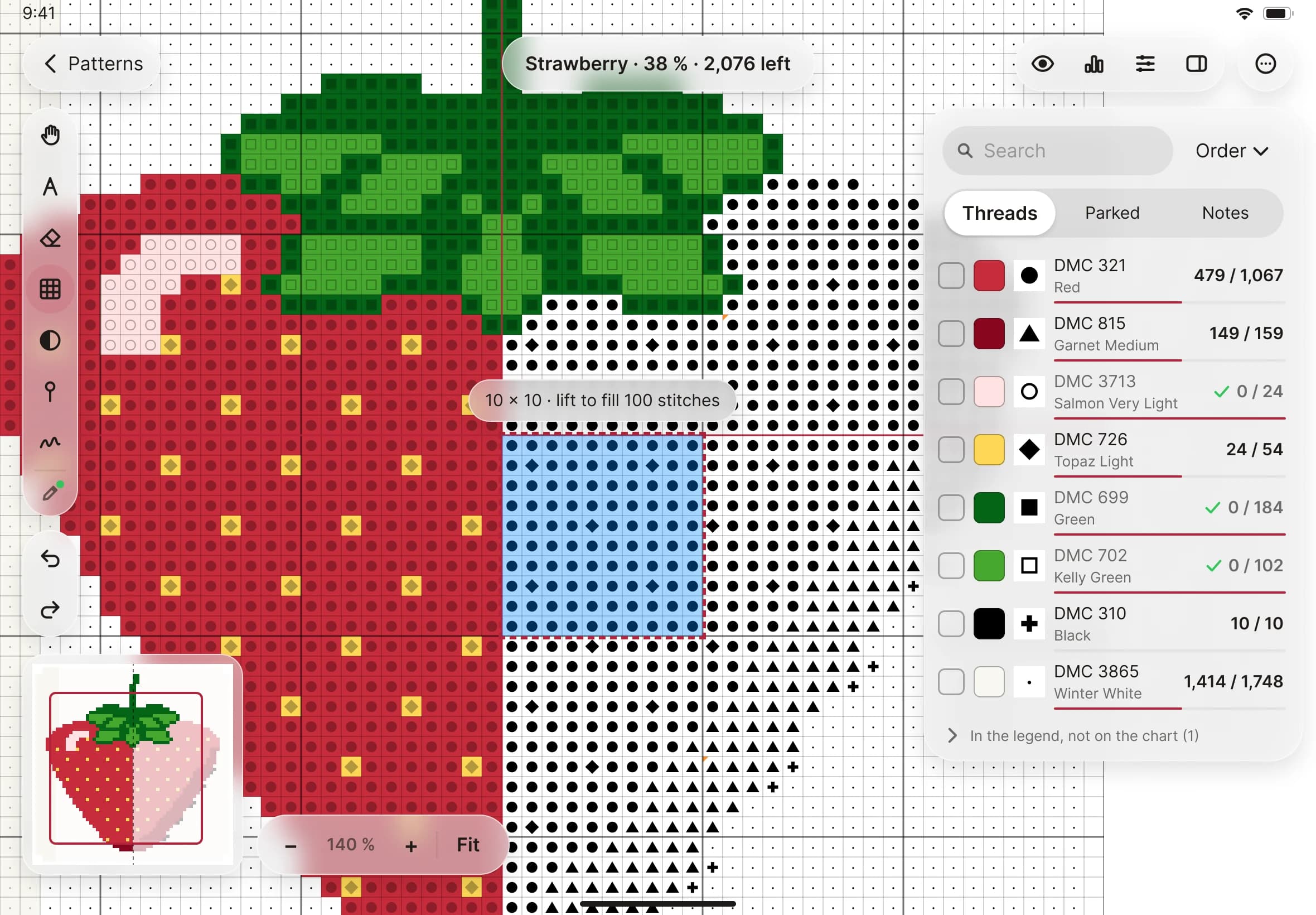
- Carry on to the next block. Each tap marks one.