
Show only some threads
Filter the chart to the threads you're stitching now.
What you'll do: show only the threads you are working with, so the rest fade into the background.
Steps
- Open the thread list on the right of the stitching screen. If it is hidden, tap the panel button at the top right.
- Tick the box beside each thread you are stitching now. The rest of the chart washes out and the ticked threads stay bright.
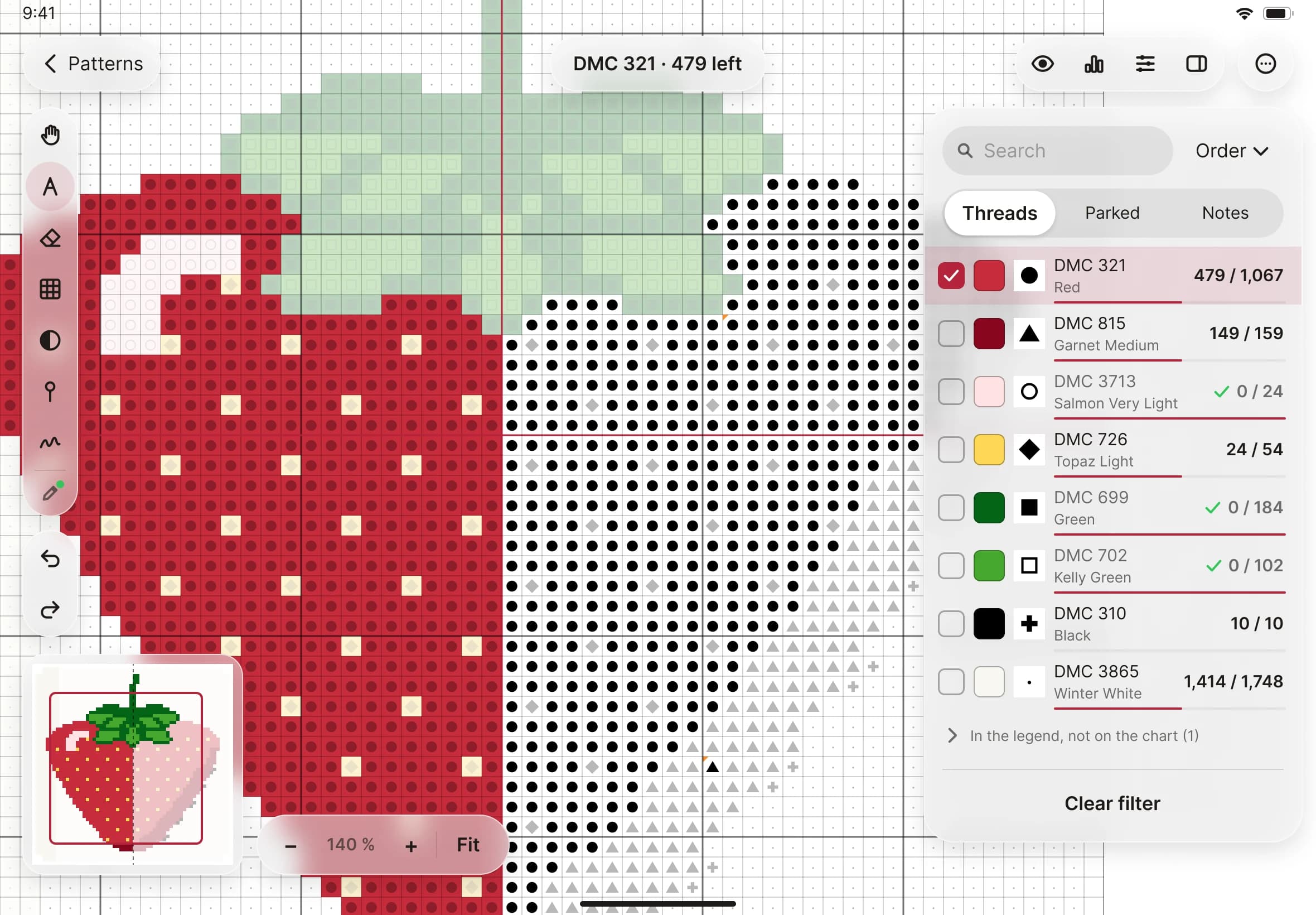
- Mark as usual. While threads are ticked, Mark and Erase only touch squares of those threads. That makes it hard to mark the wrong colour by accident.
- To find your next square, tap Next unstitched at the foot of the list. Stitched Off jumps to the nearest square left among your ticked threads, and rings it.
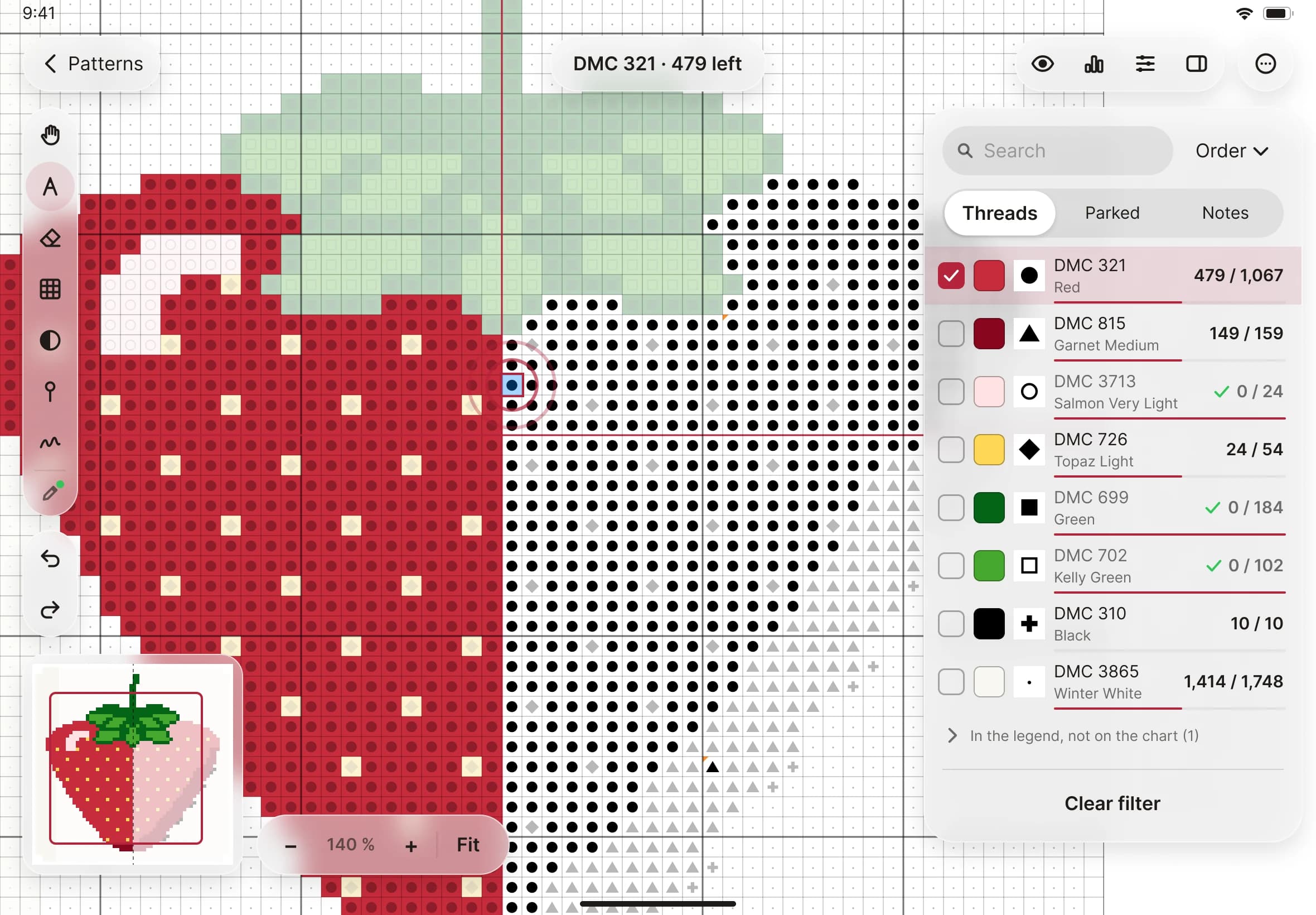
- To see everything again, tap Show all threads.